
Prop Firm Simulator
FX Replay’s Prop Firm Simulator lets you set your firm’s rules—drawdown limits, profit targets, and more—and start testing under real challenge conditions. No replaying back in time if you missed a trade — just real data, real pressure, and real preparation to help you sharpen your edge and build confidence before taking the actual challenge.
Overview
FX Replay’s Prop Firm Simulator lets you set your firm’s rules—drawdown limits, profit targets, and more—and start testing under real challenge conditions. No replaying back in time if you missed a trade — just real data, real pressure, and real preparation to help you sharpen your edge and build confidence before taking the actual challenge.
How to Use Prop Firm Simulator
- Hit “Prop Firm Session” when creating a session.
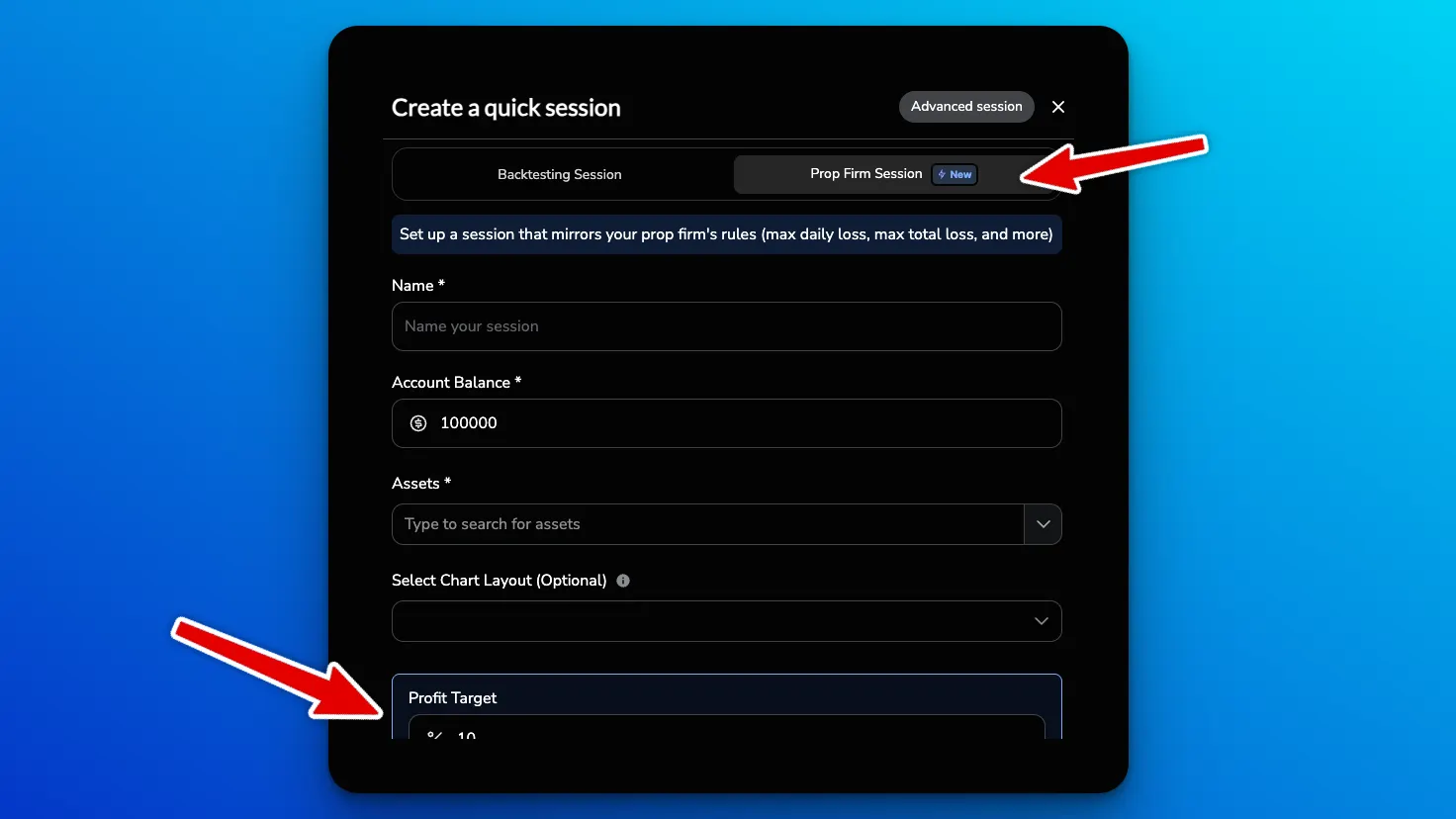
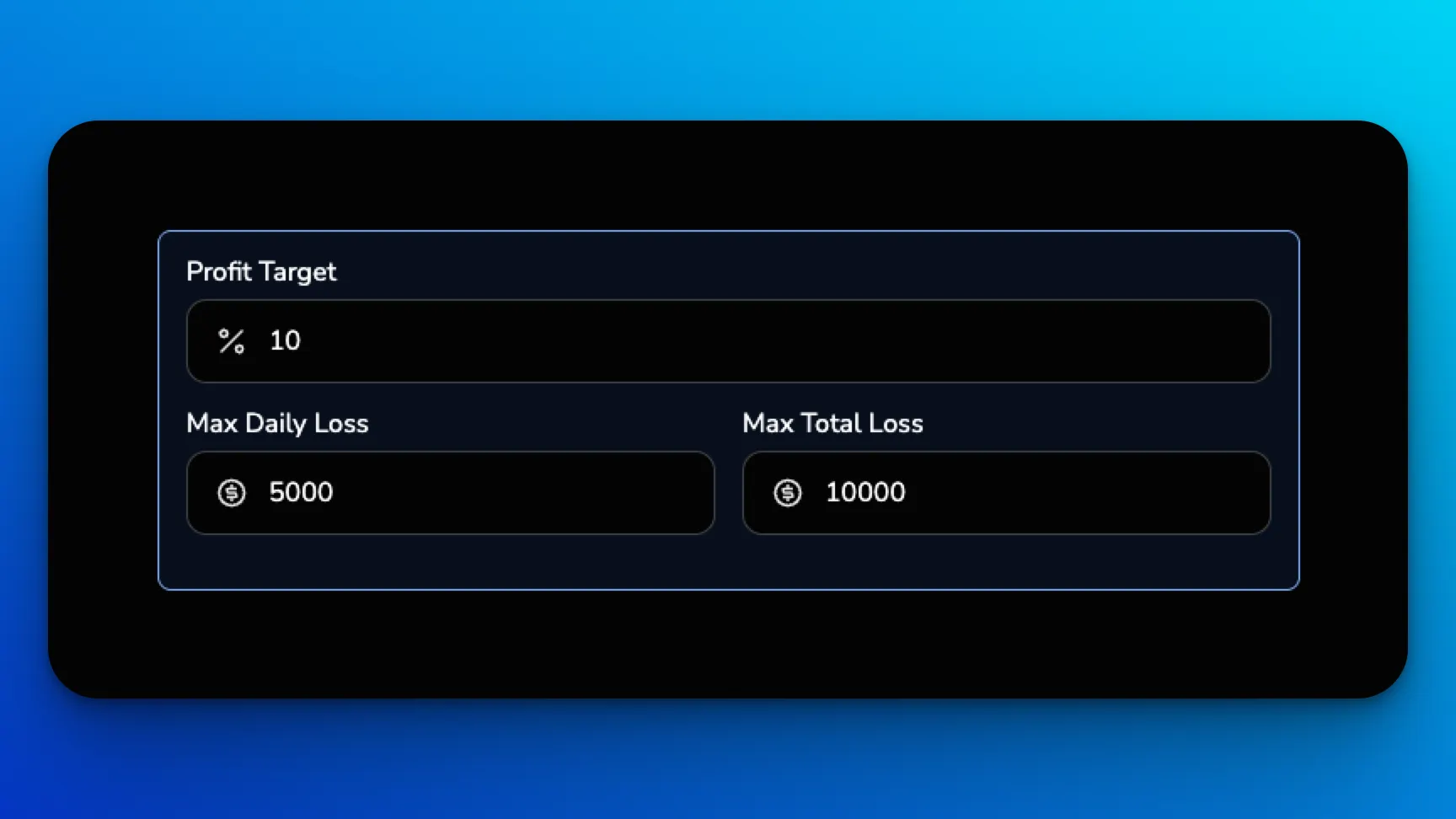
- Add profit target, max daily loss, and max total loss rules that replicate your prop firm challenge.
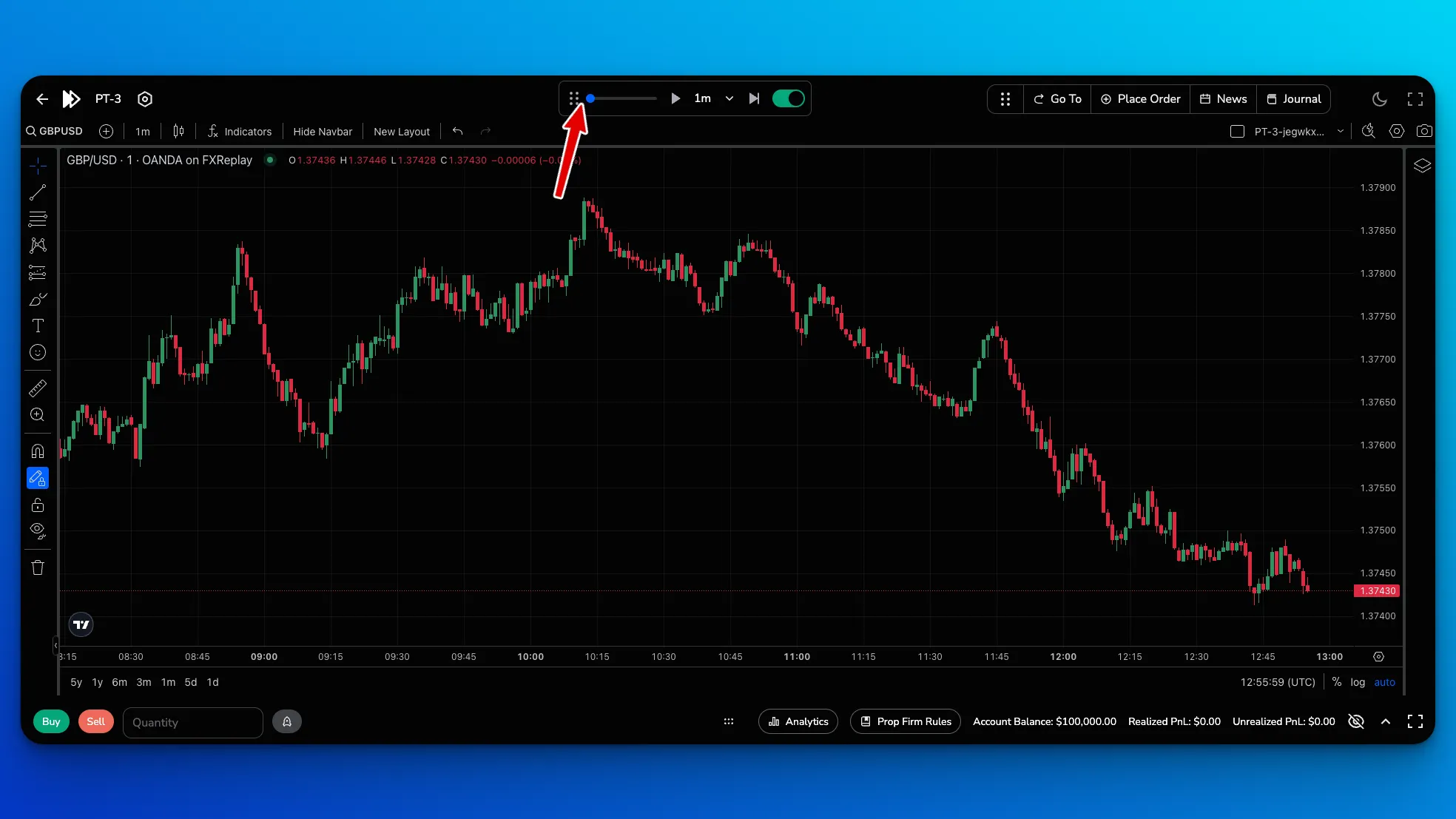
- When you get into the chart, you’ll notice there is no replay functionality on the price skip control. This is
because we want to really provide that real life experience while practicing for a prop firm challenge.
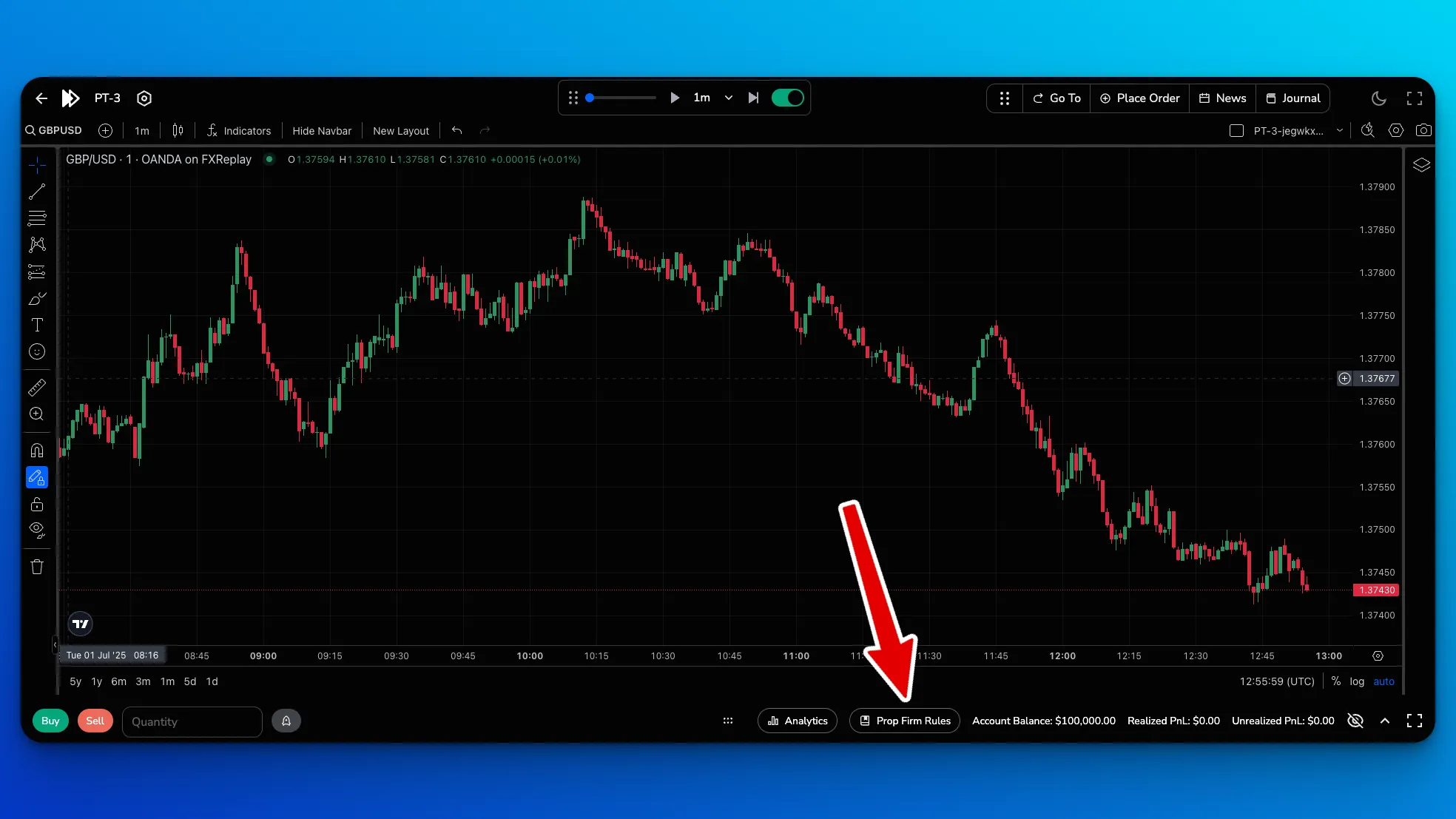
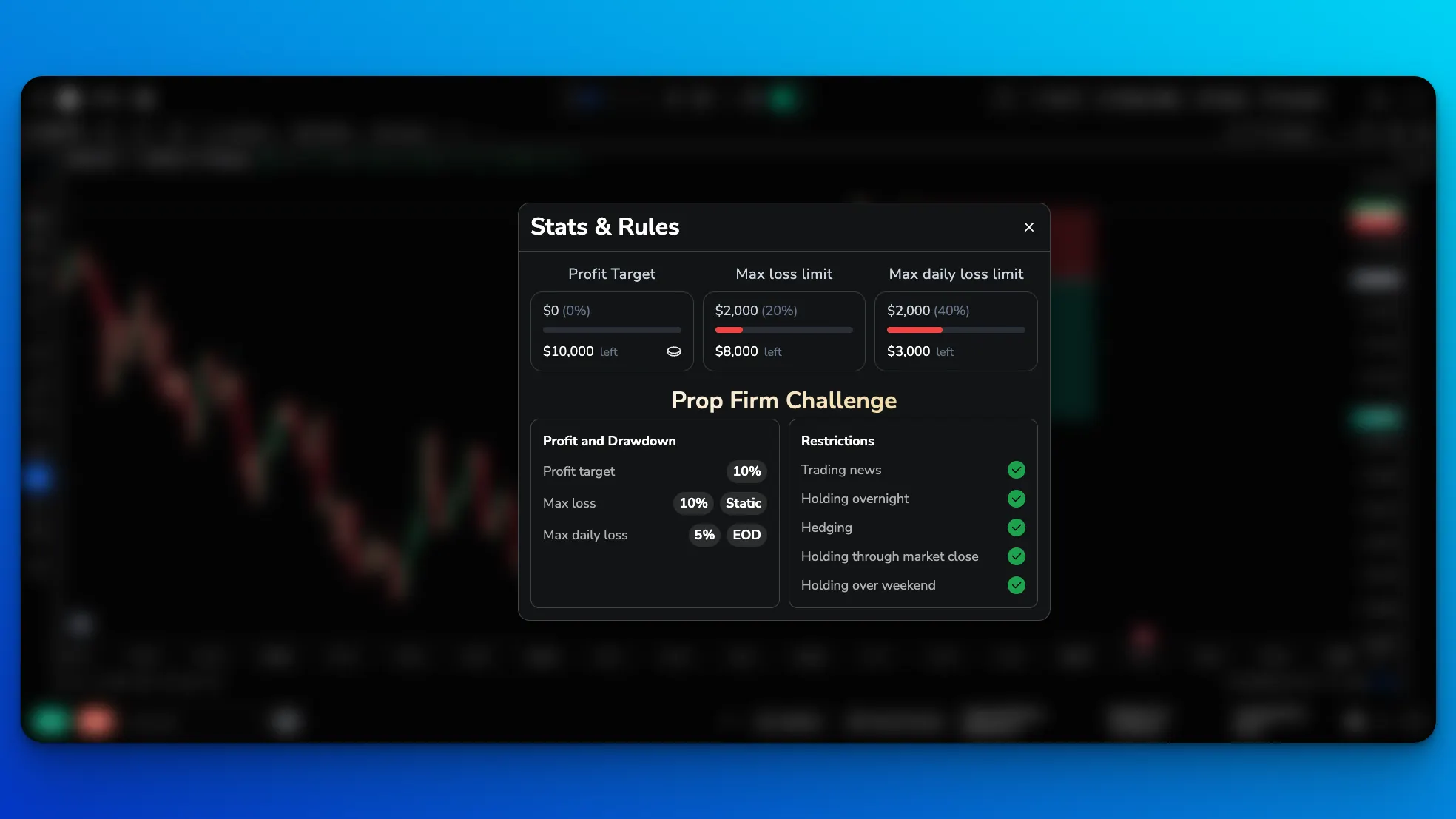
- Hit tab button or click on “Prop Firm Rules” at the bottom to display the rules and where your current session is relative to those rules.
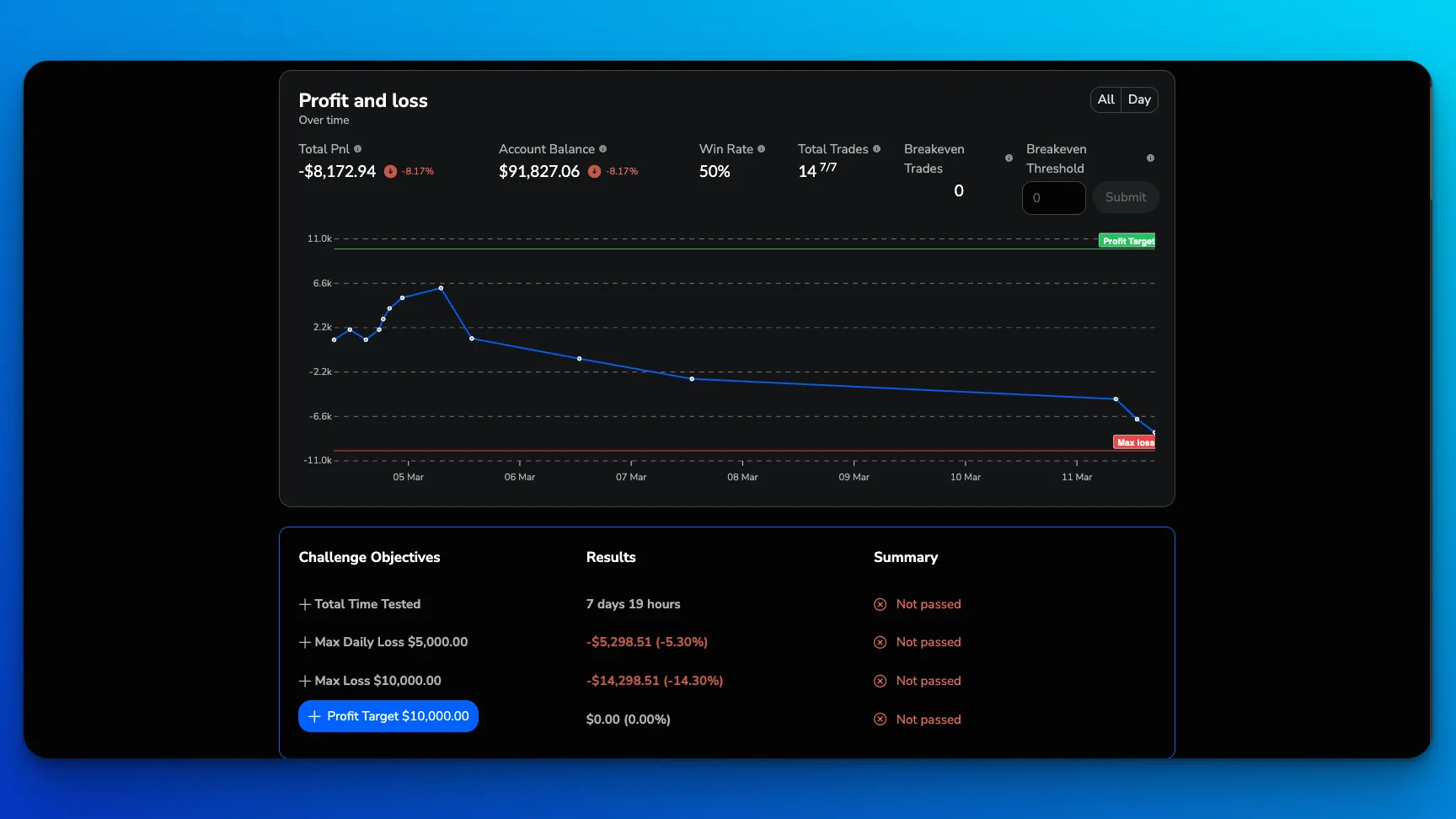
- If you fail your challenge, you can easily try again or go view your analytics.

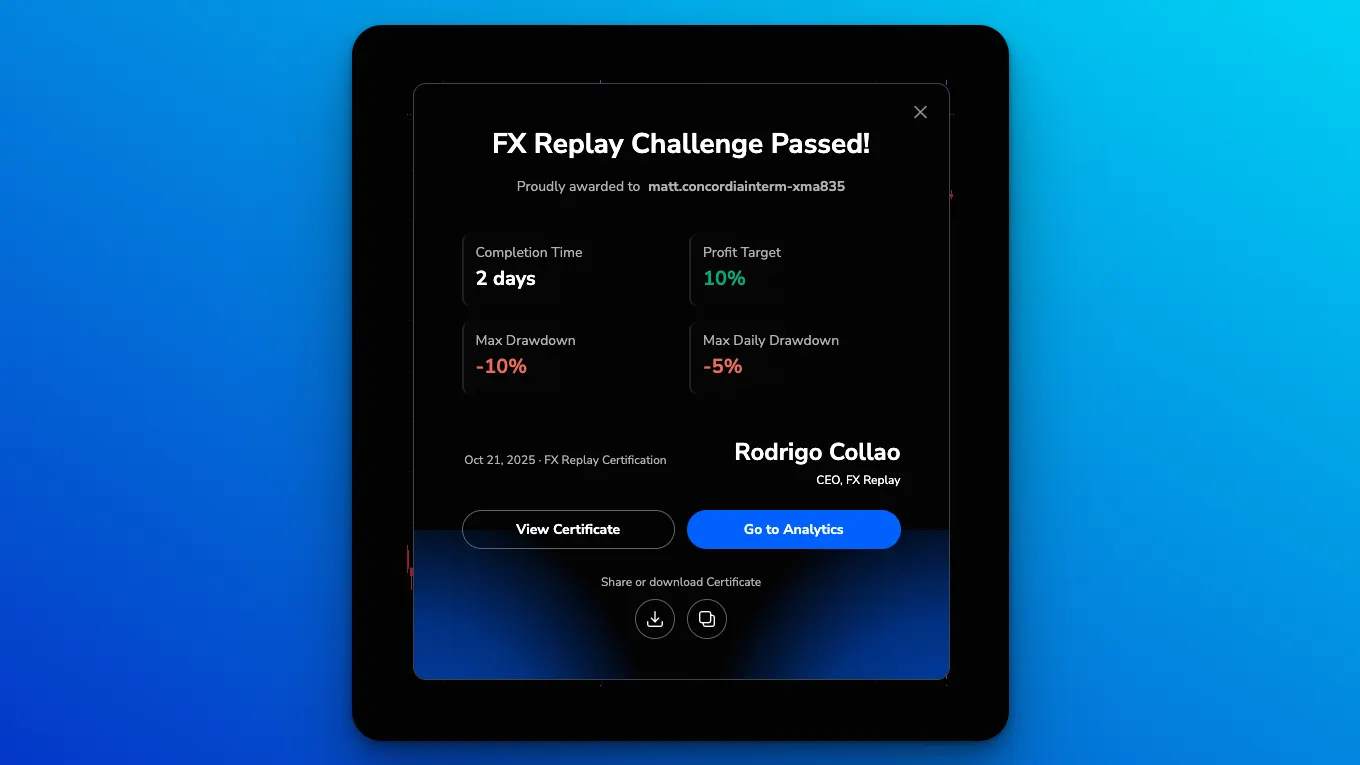
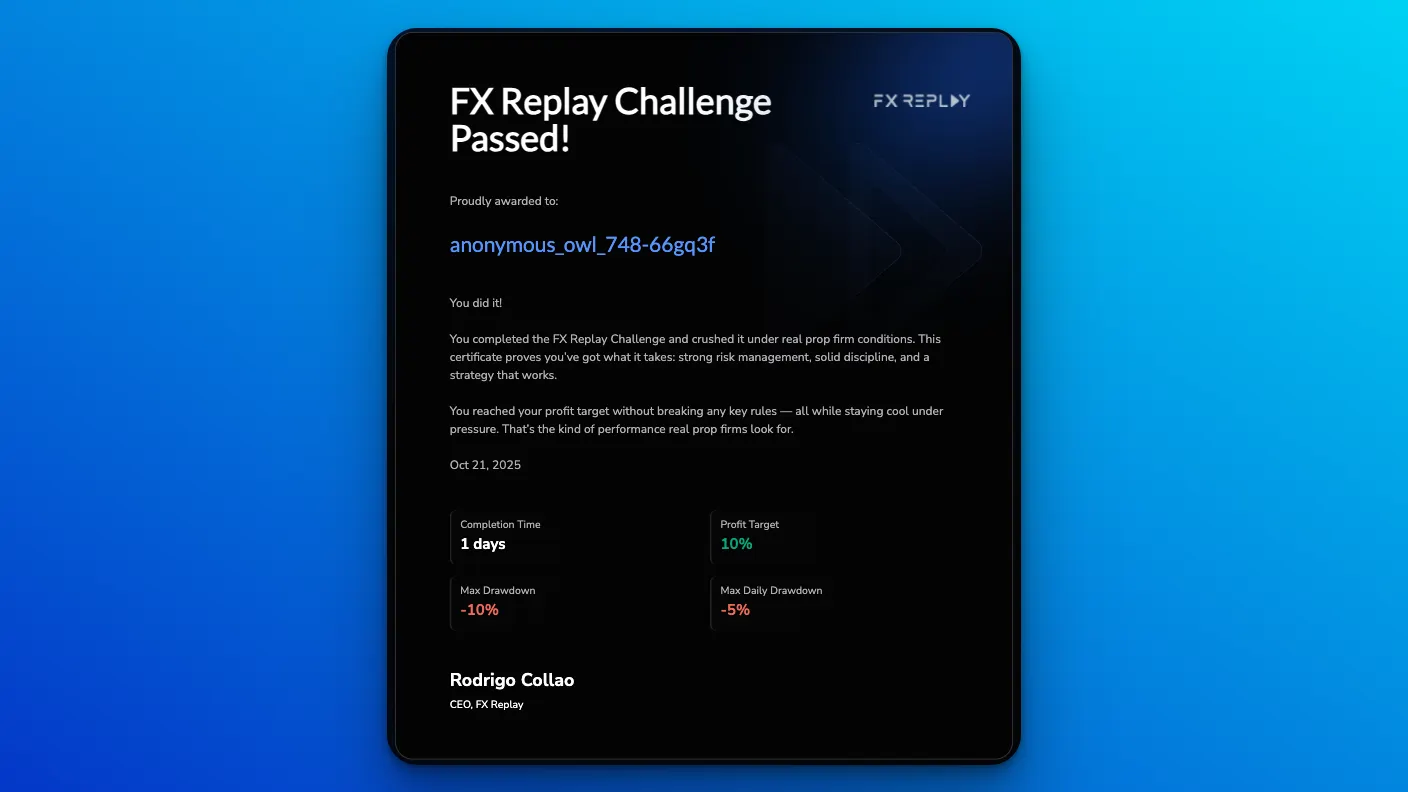
- If you pass, congrats! You can view your certificate, share it with your friends to show that you’re making progress!
Related articles
Keep exploring this topic.
How to Use the RR SimulatorThis tool takes your real trades and shows how performance would shift if you had aimed for different take profit (TP) levels — without changing your entry or stop loss (SL).Read guideCandle Types & Timeframes (Including Seconds)FX Replay chart types (Candles, Heikin Ashi, Renko and more), seconds timeframes on Pro, custom intervals, weekend and holiday gaps, and Smooth candles.Read guideHow to Set Stop Loss, Take Profit & Partial ProfitsHow to set stop loss and take profit on the FX Replay New Chart, add take profits with Add partial or +TP, use Auto breakeven and close part of a trade with Take partials.Read guideThe New Chart: What's Changed and Where to Find EverythingA quick tour of the FX Replay New Chart: why we moved from the previous charts, Order Flow, Go To on the Replay Bar, ETH/RTH, layouts, shortcuts, Code Editor, Watchlist, News and Journal.Read guide